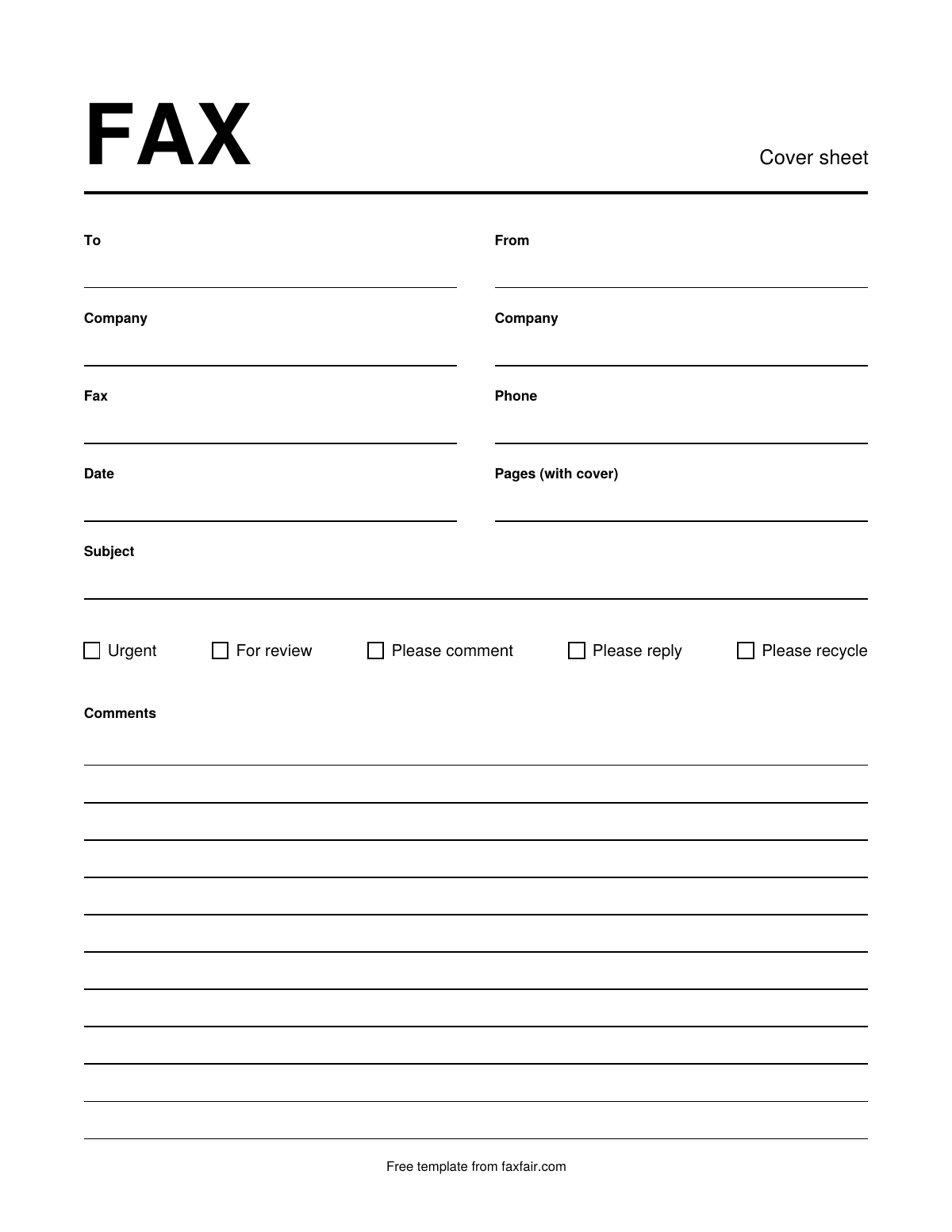
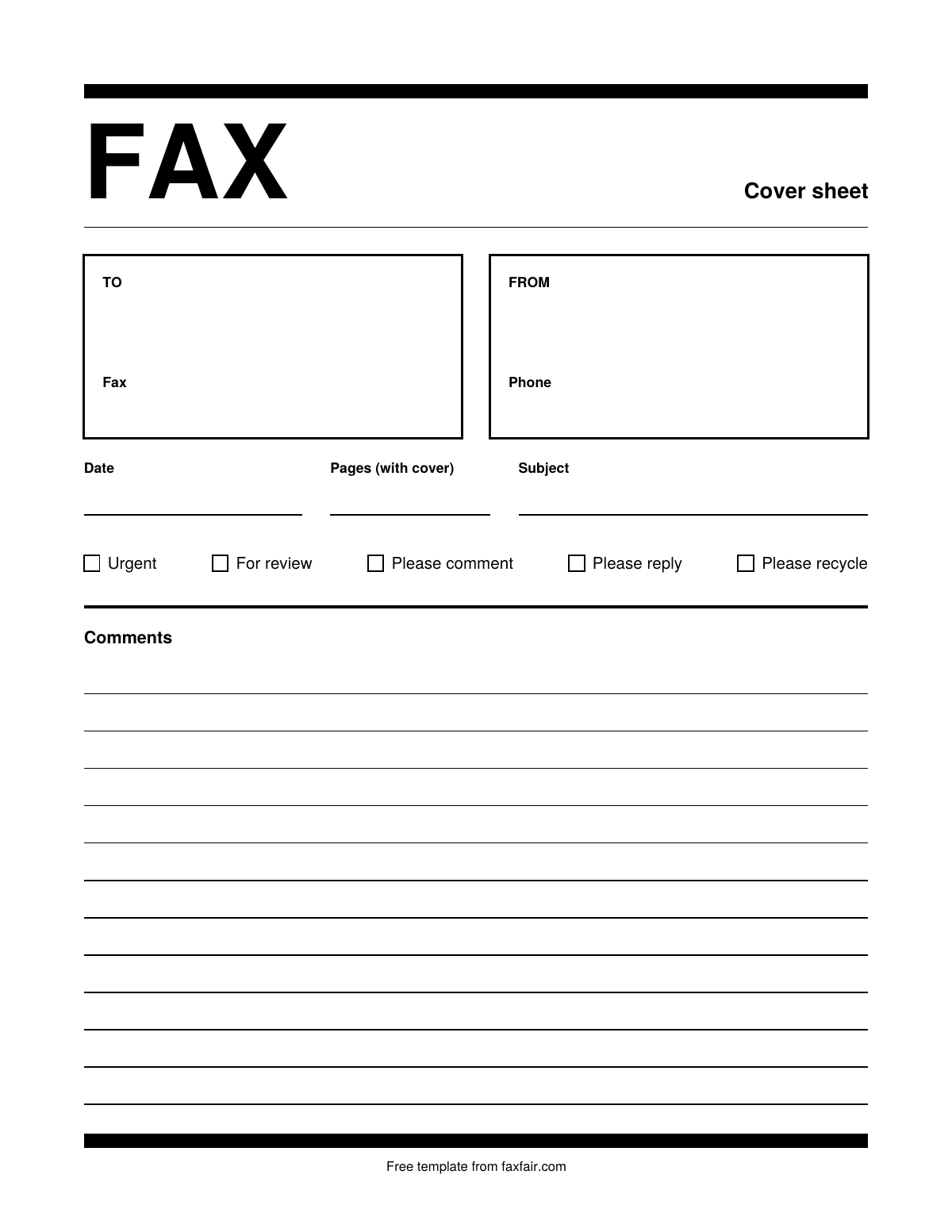
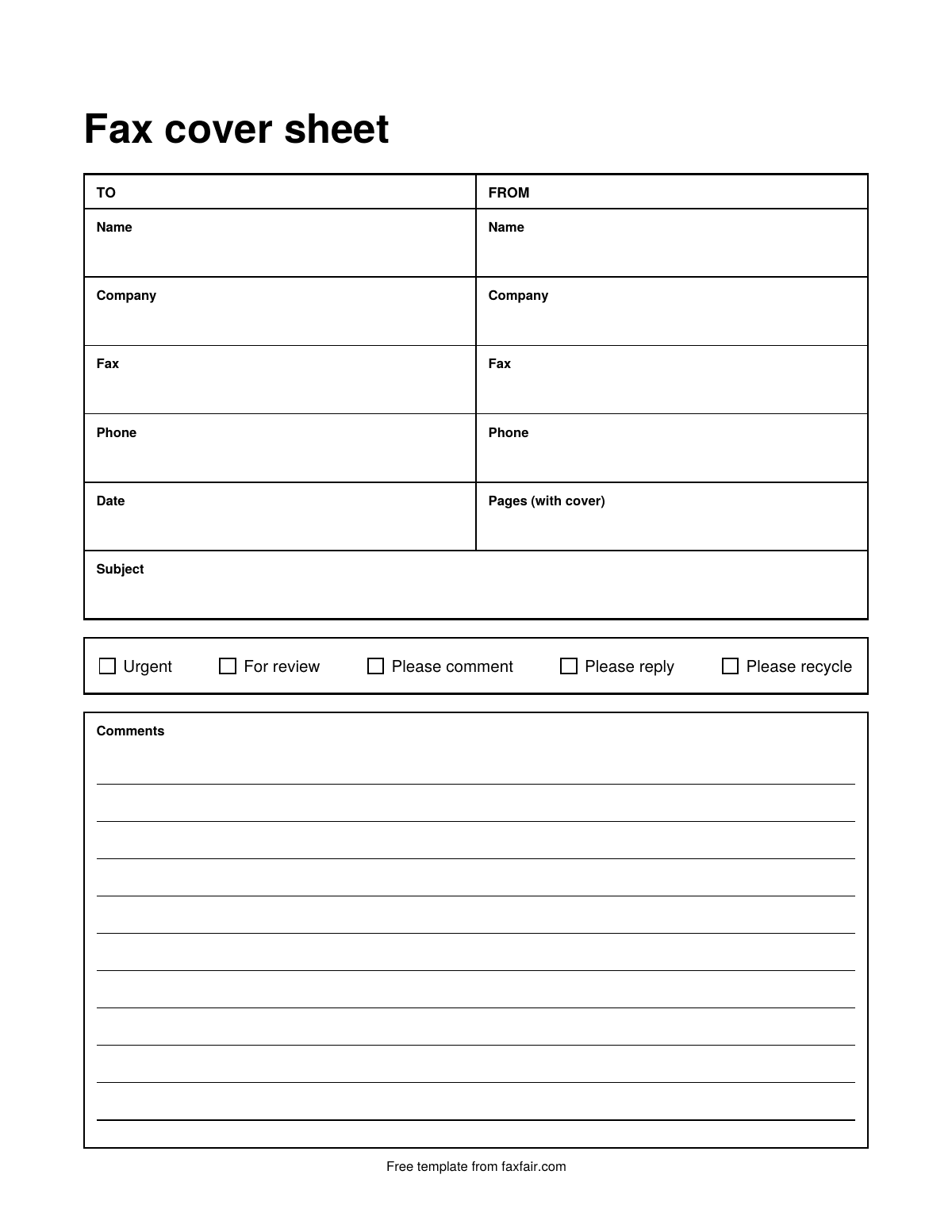
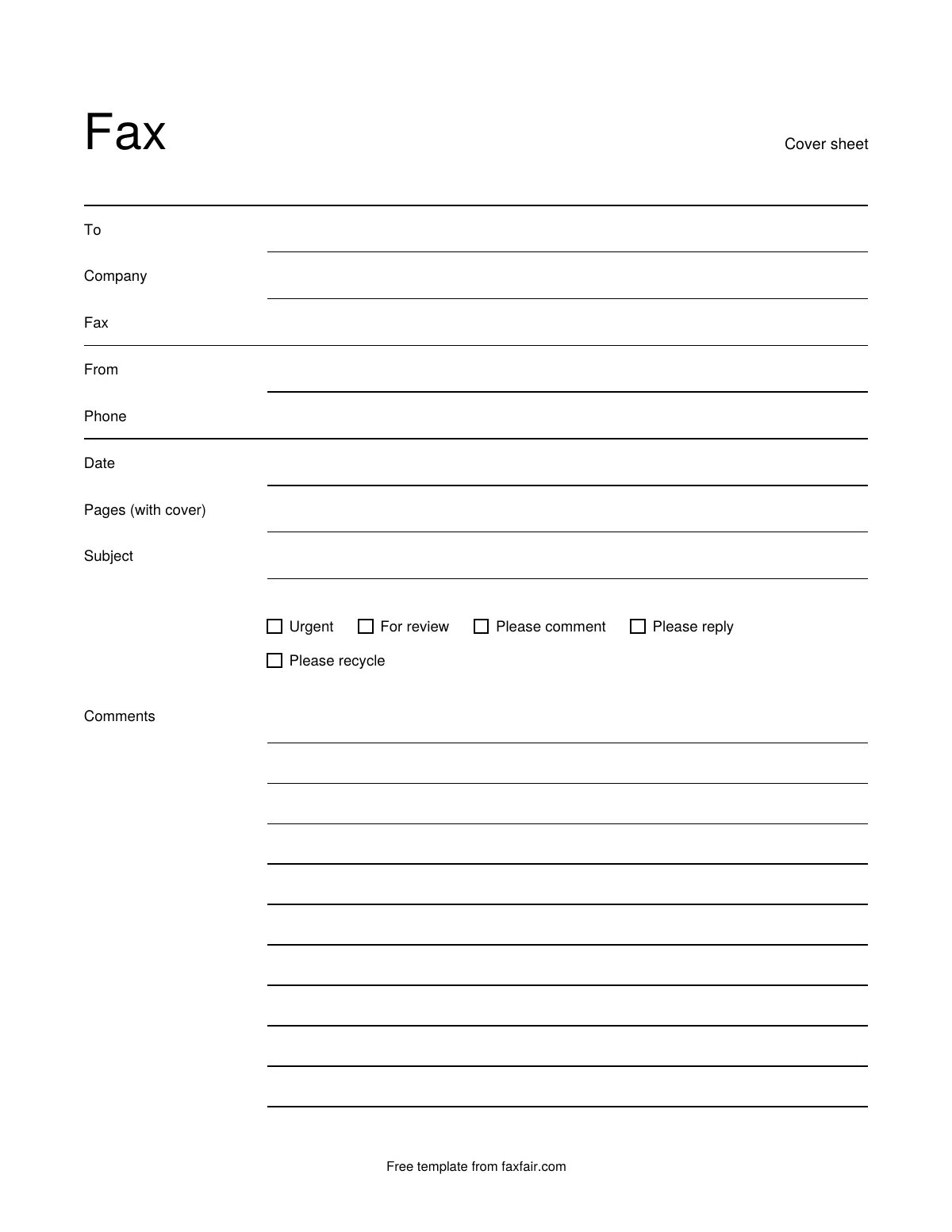
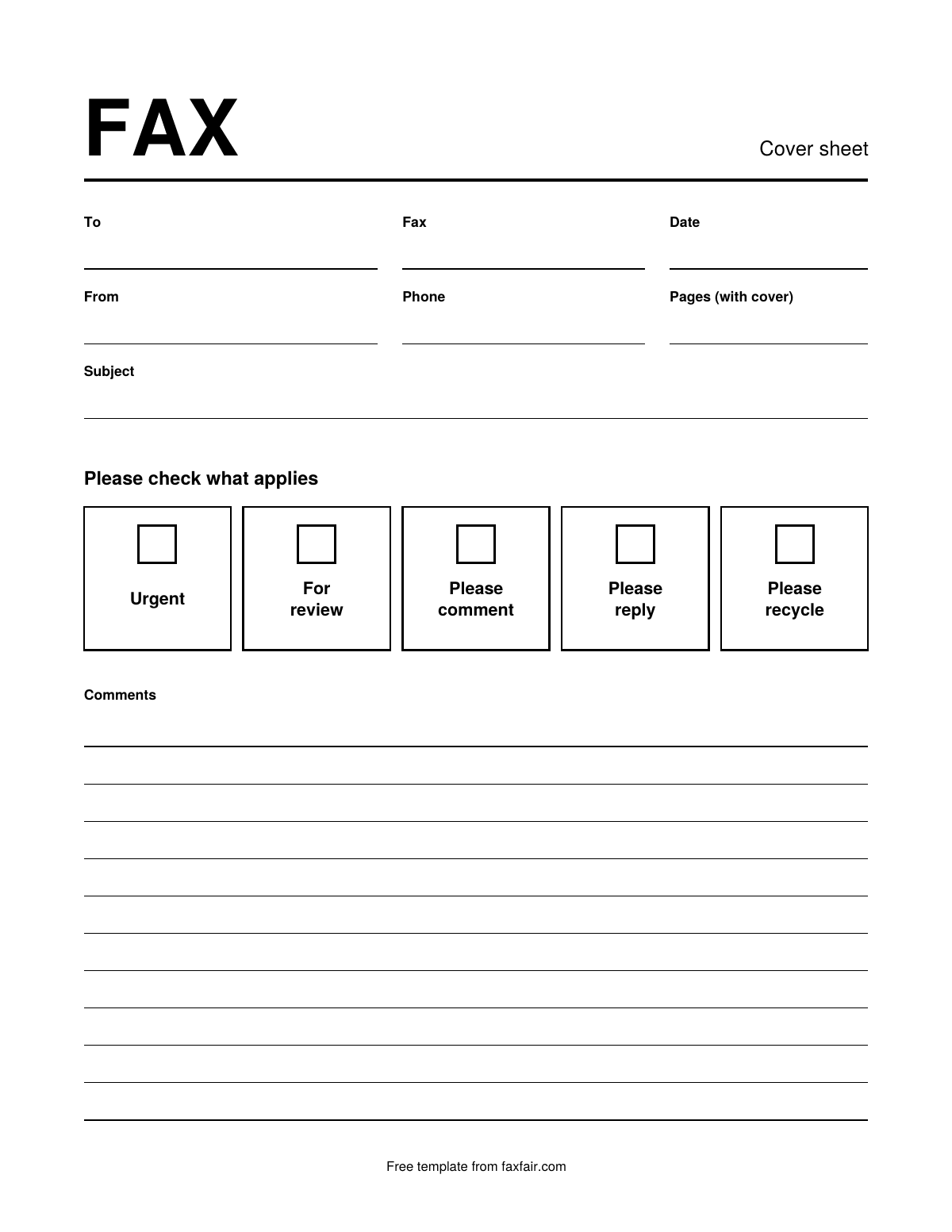
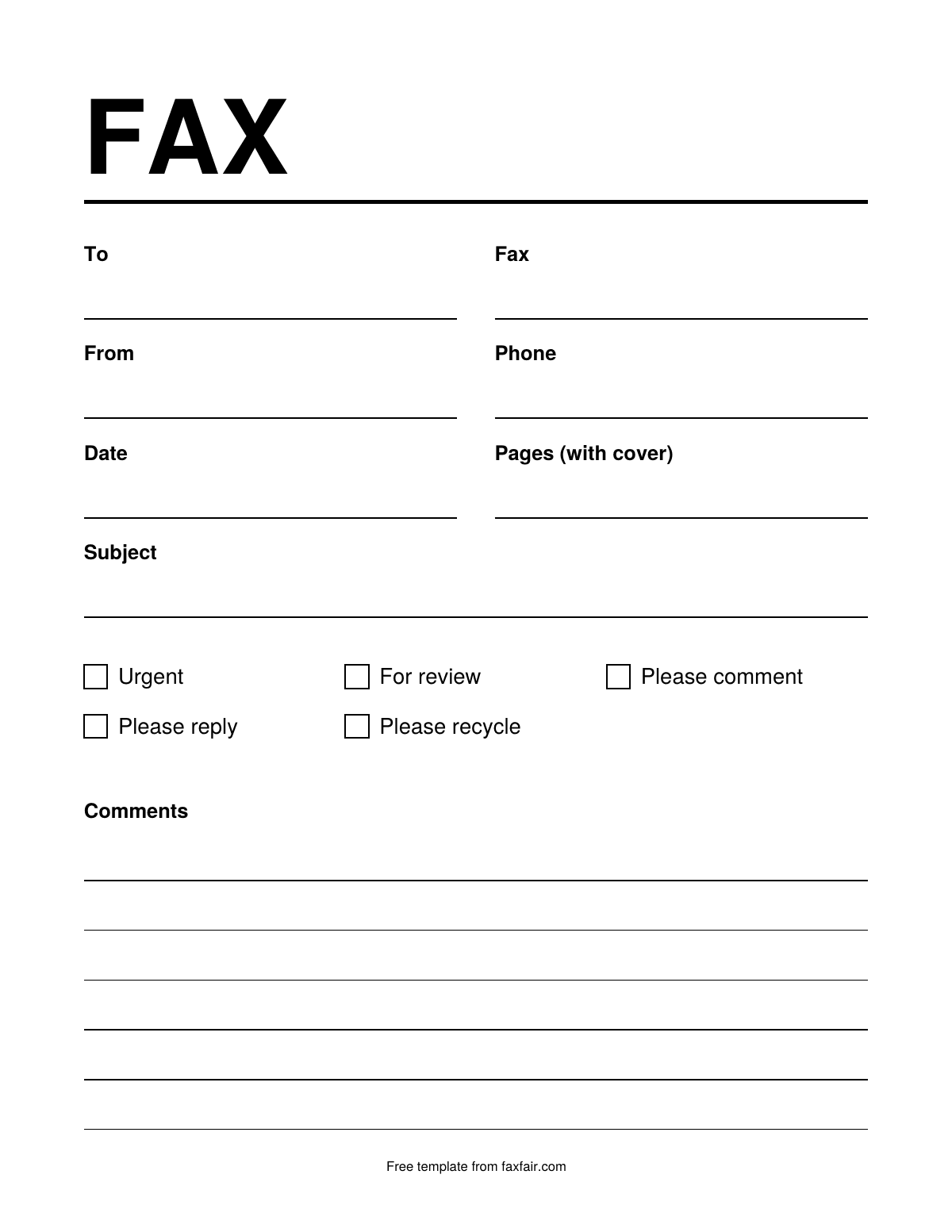
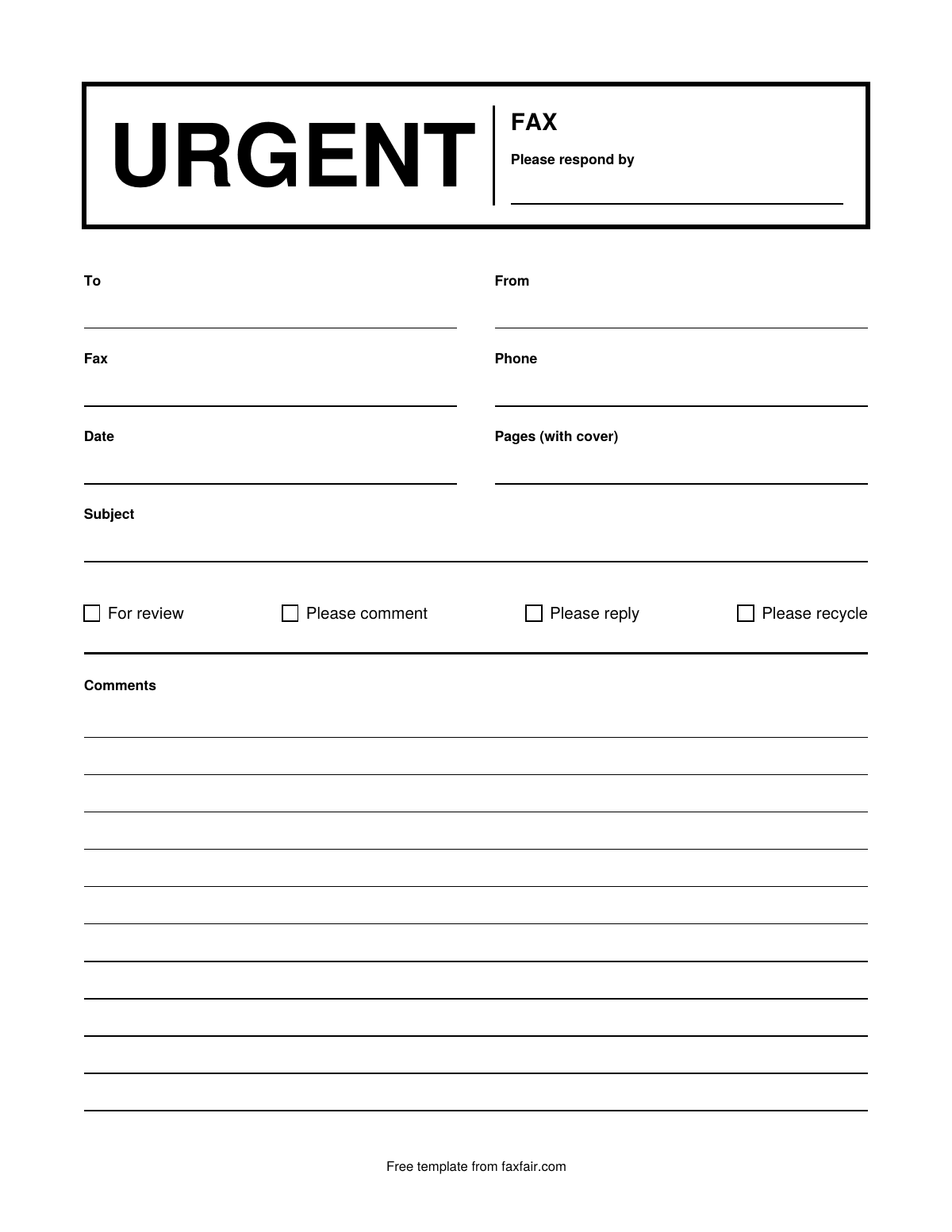
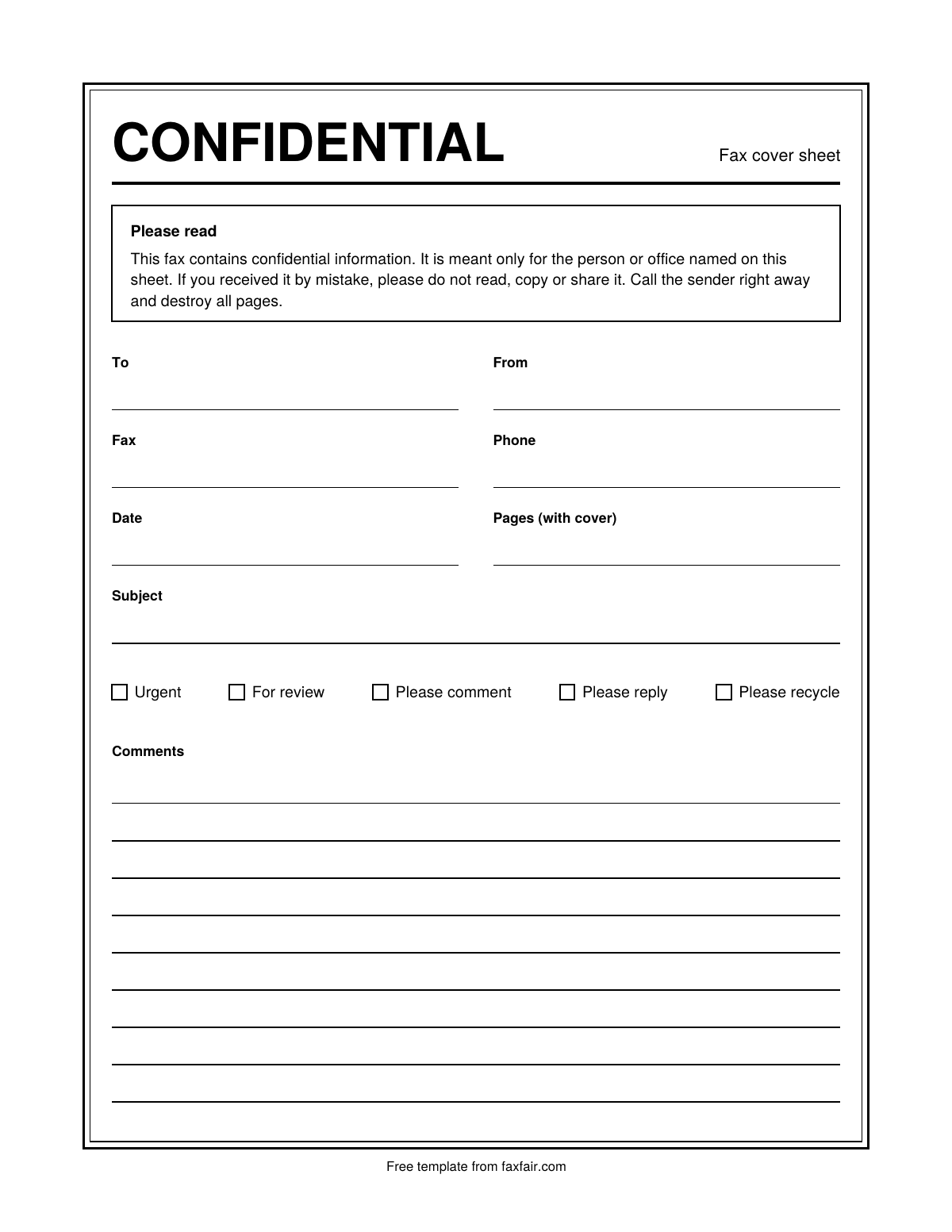
Updated
How to fill it in with Word
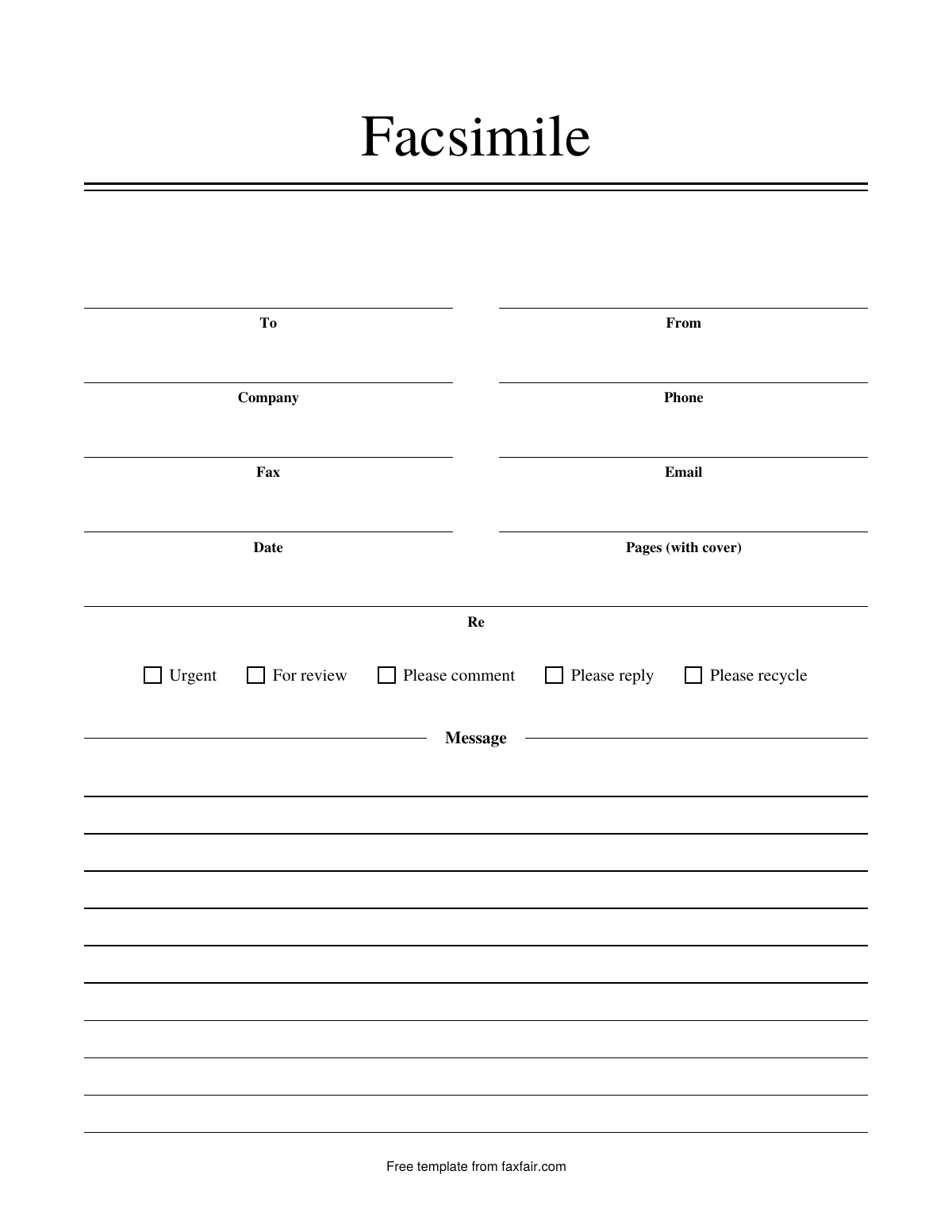
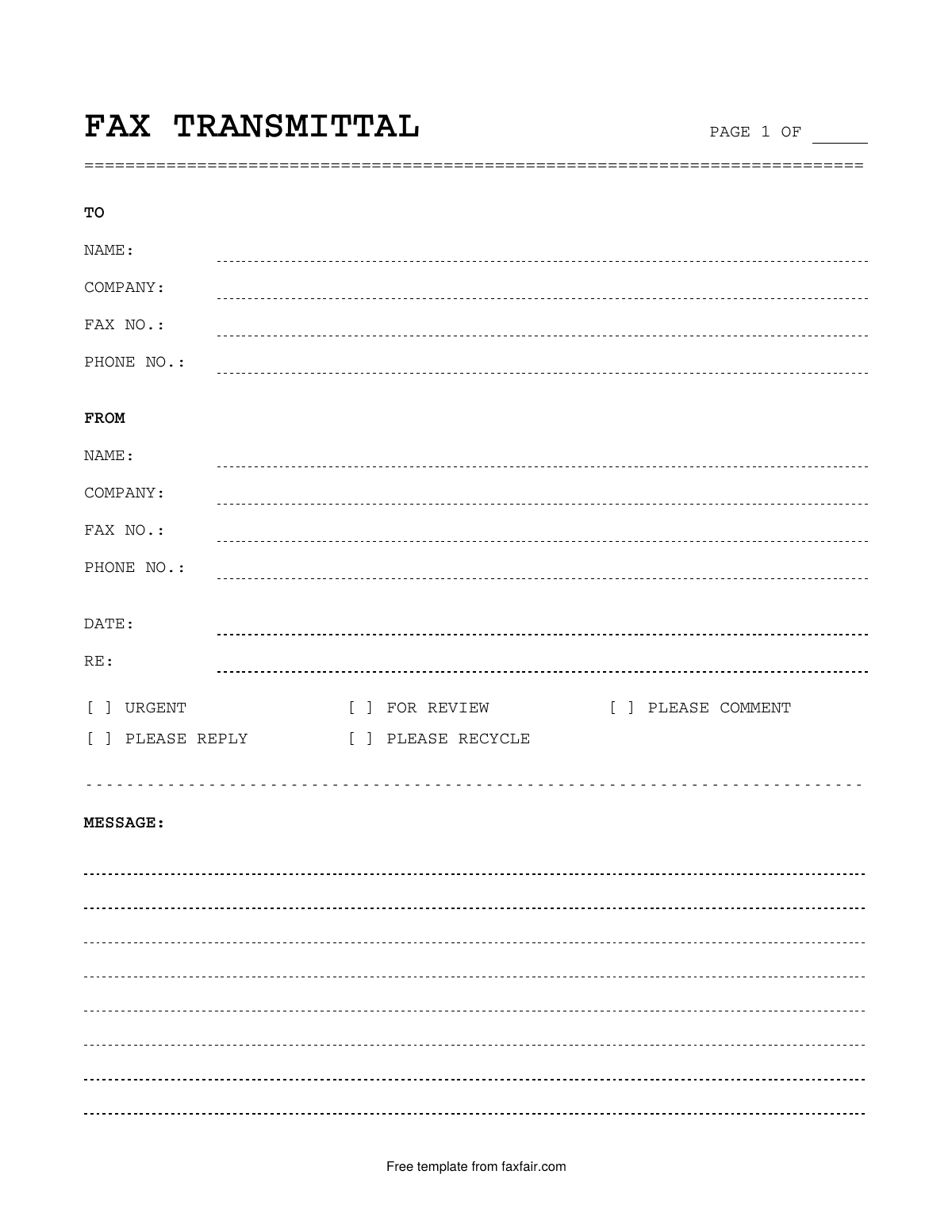
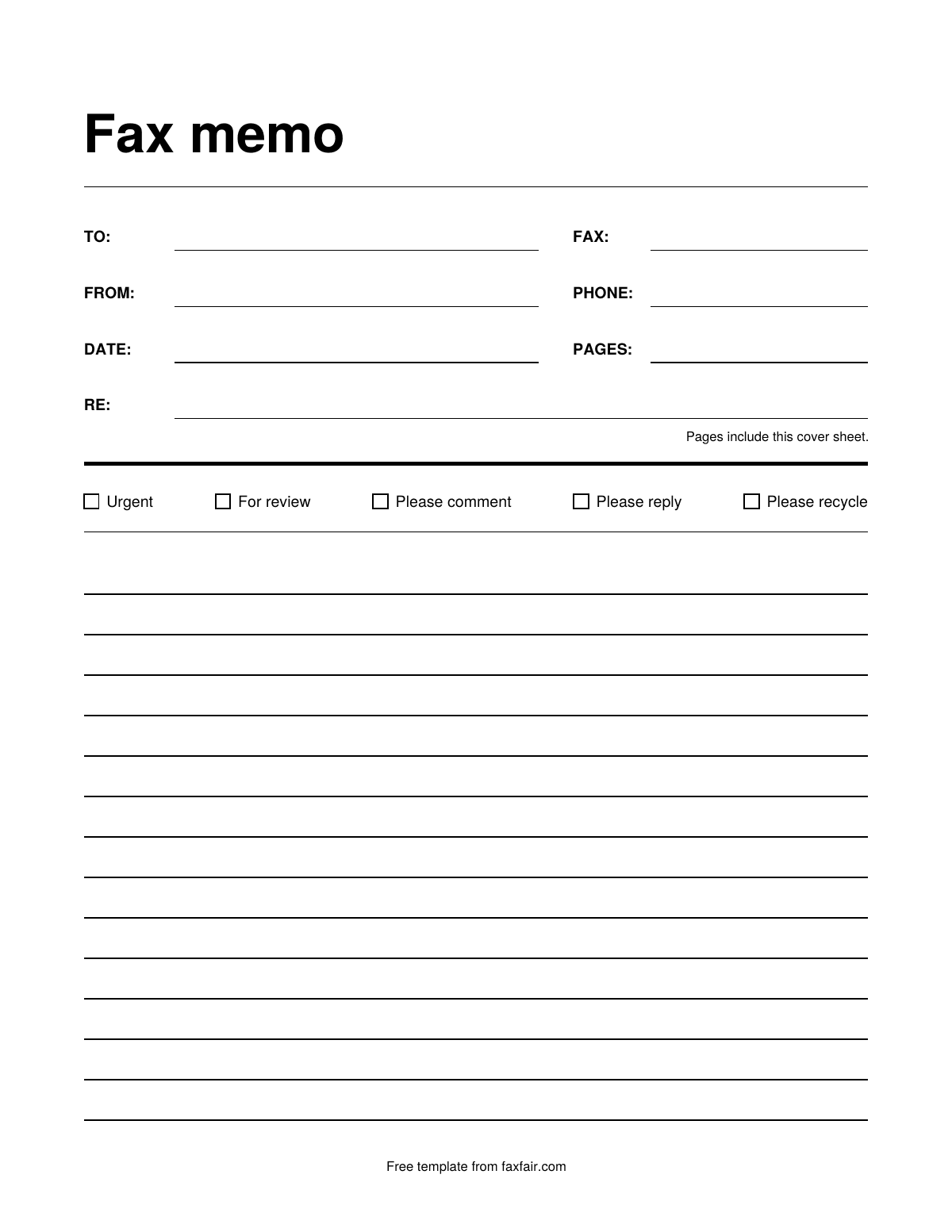
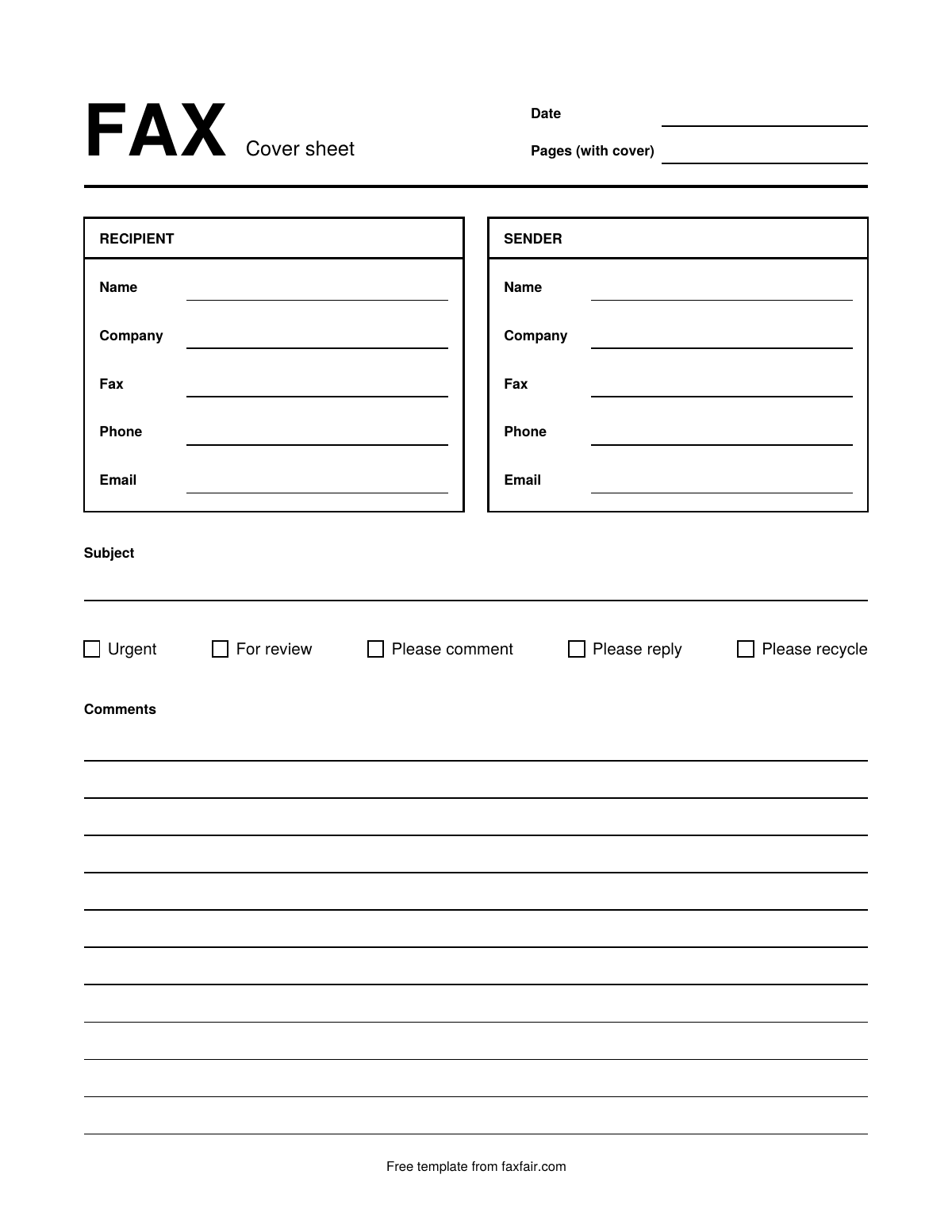
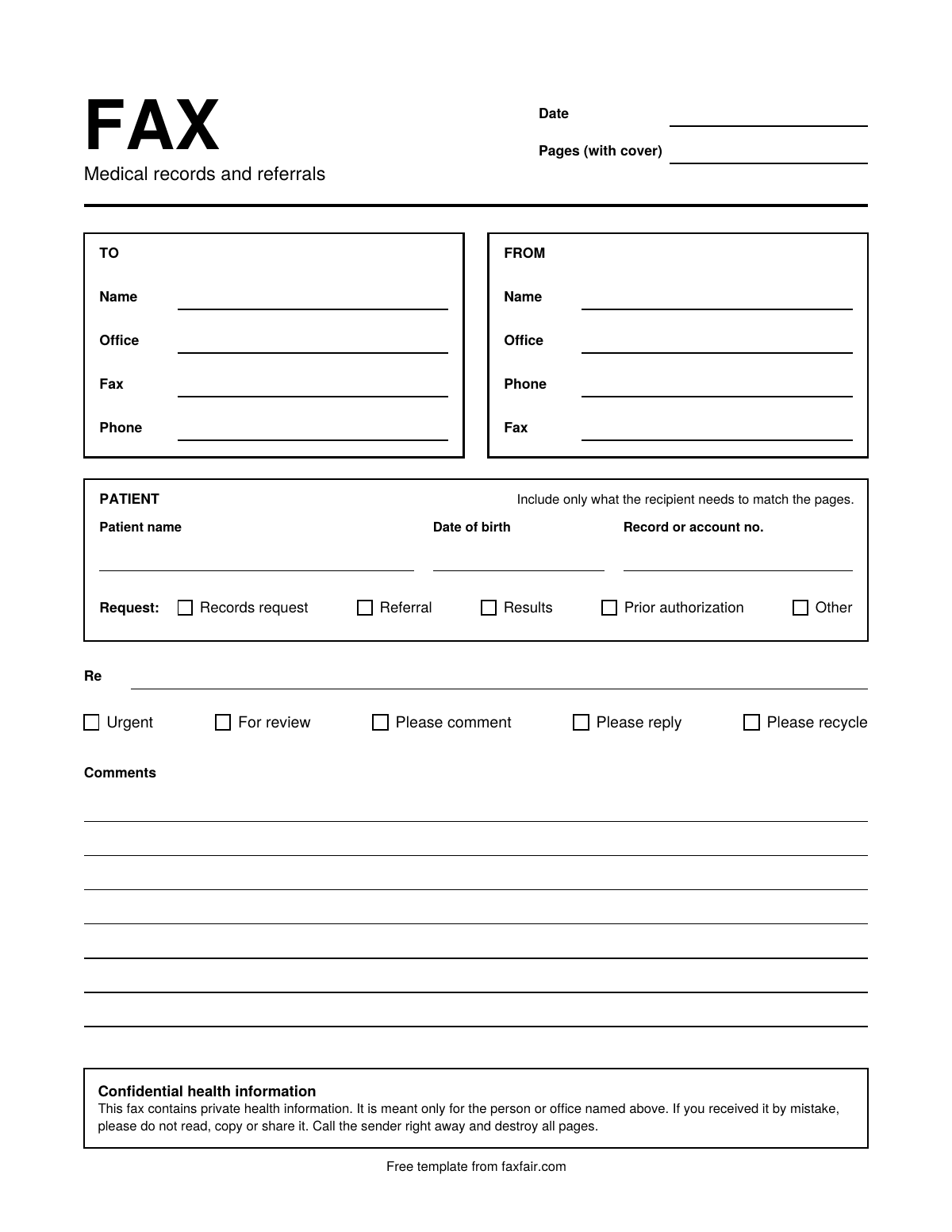
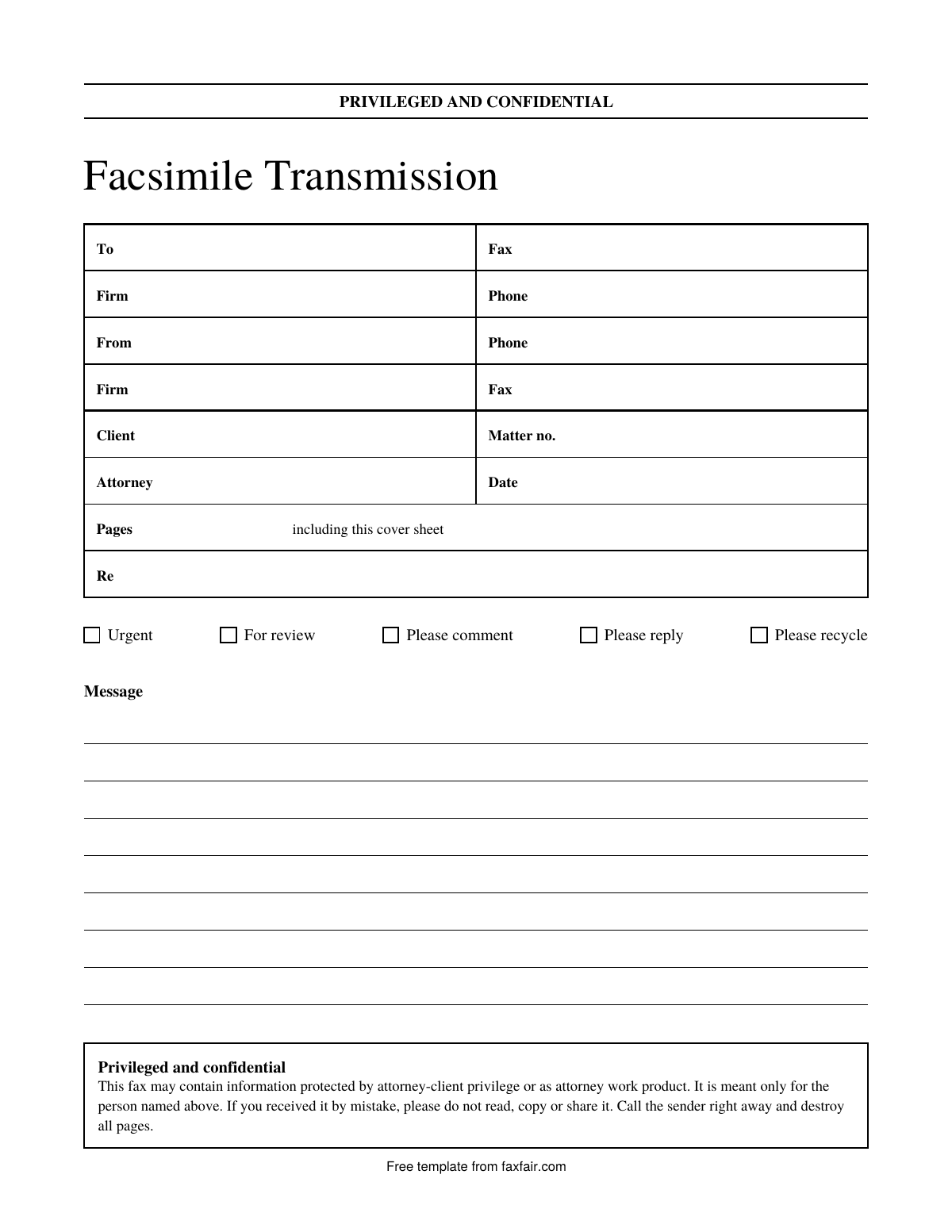
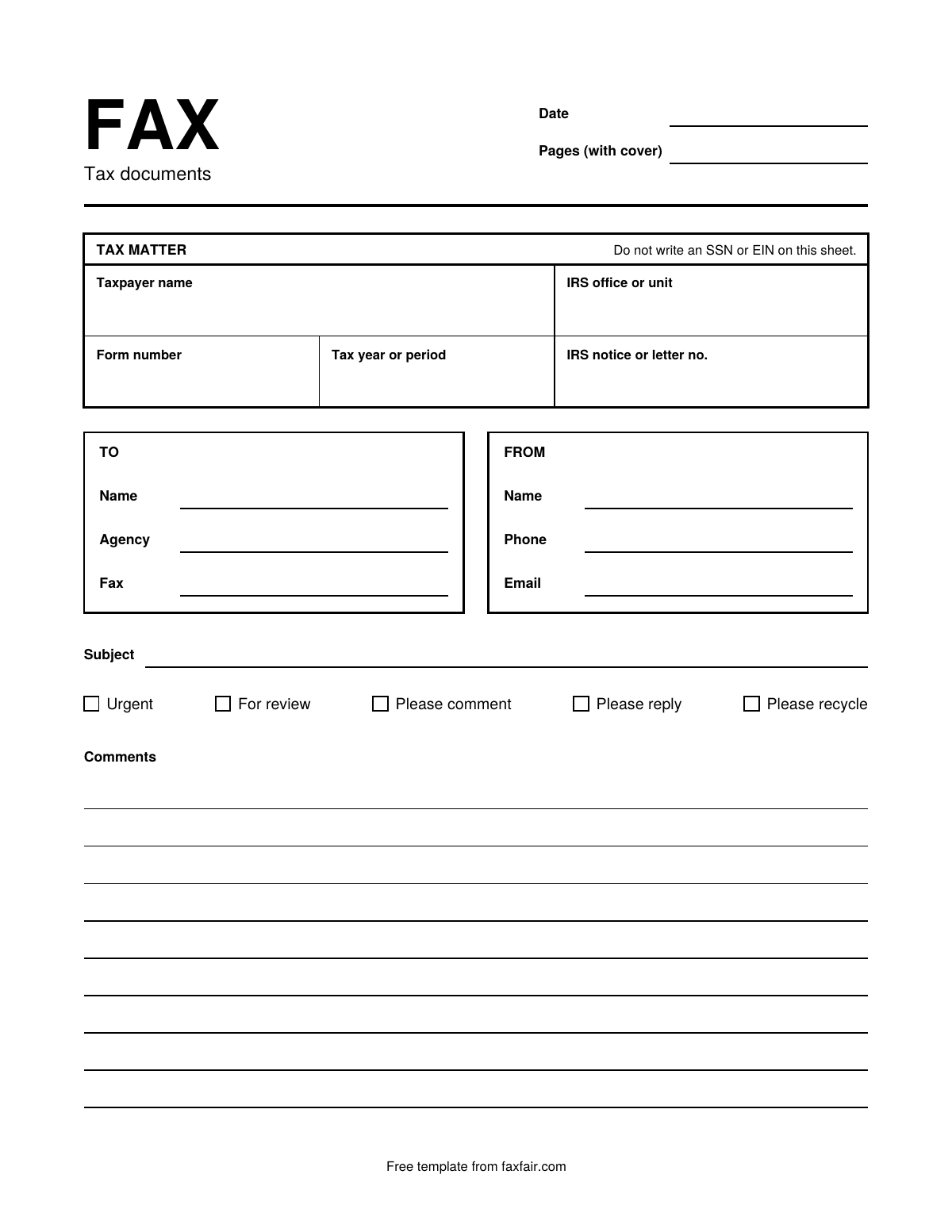
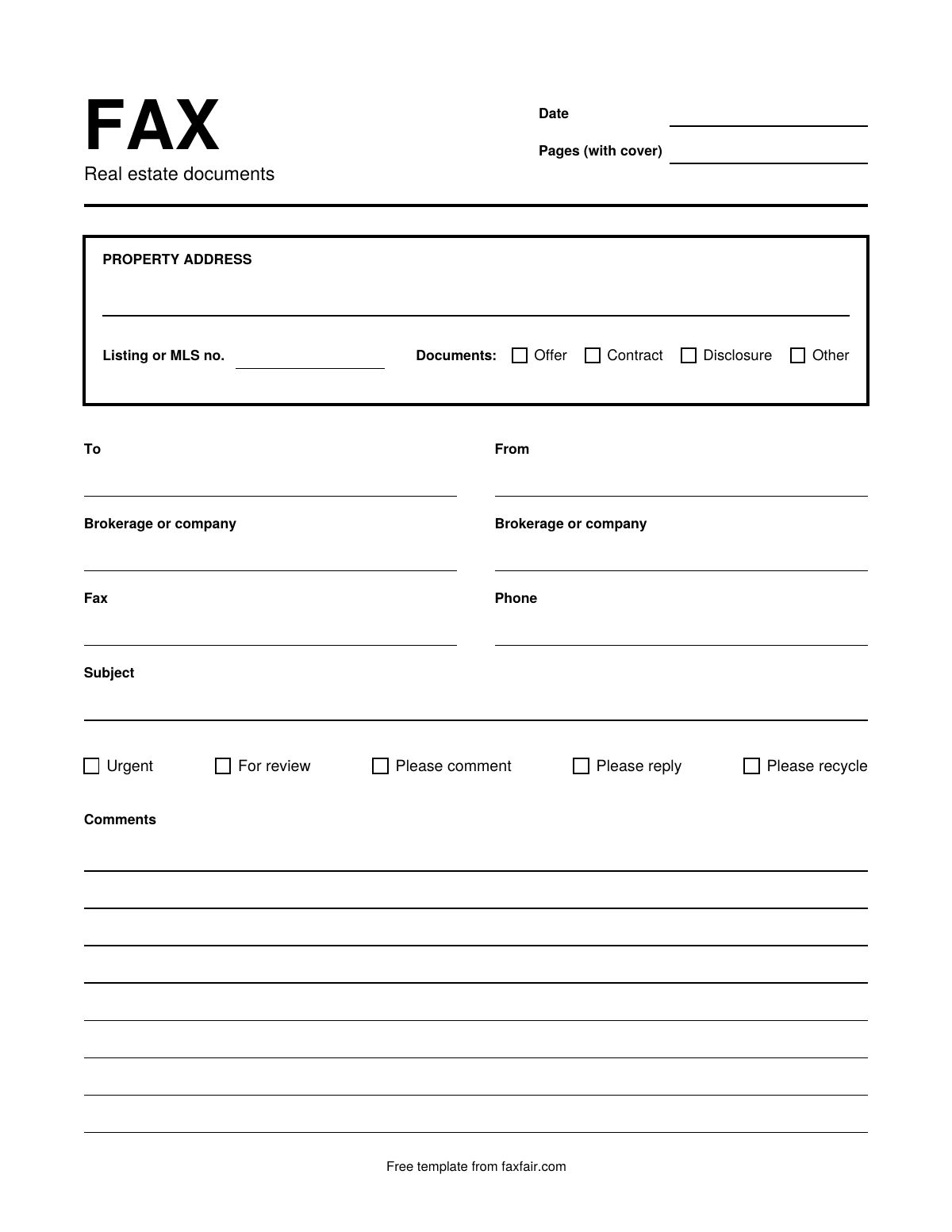
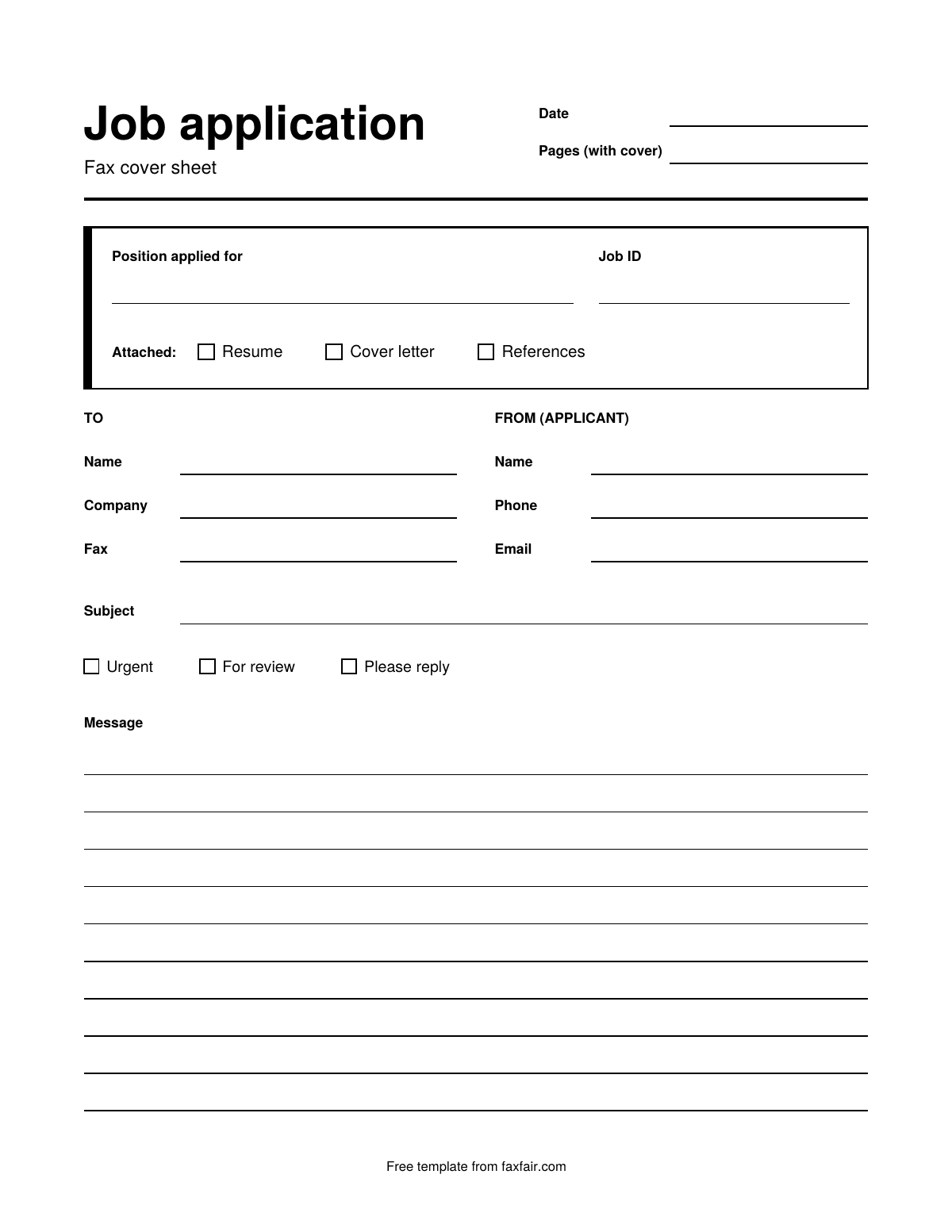
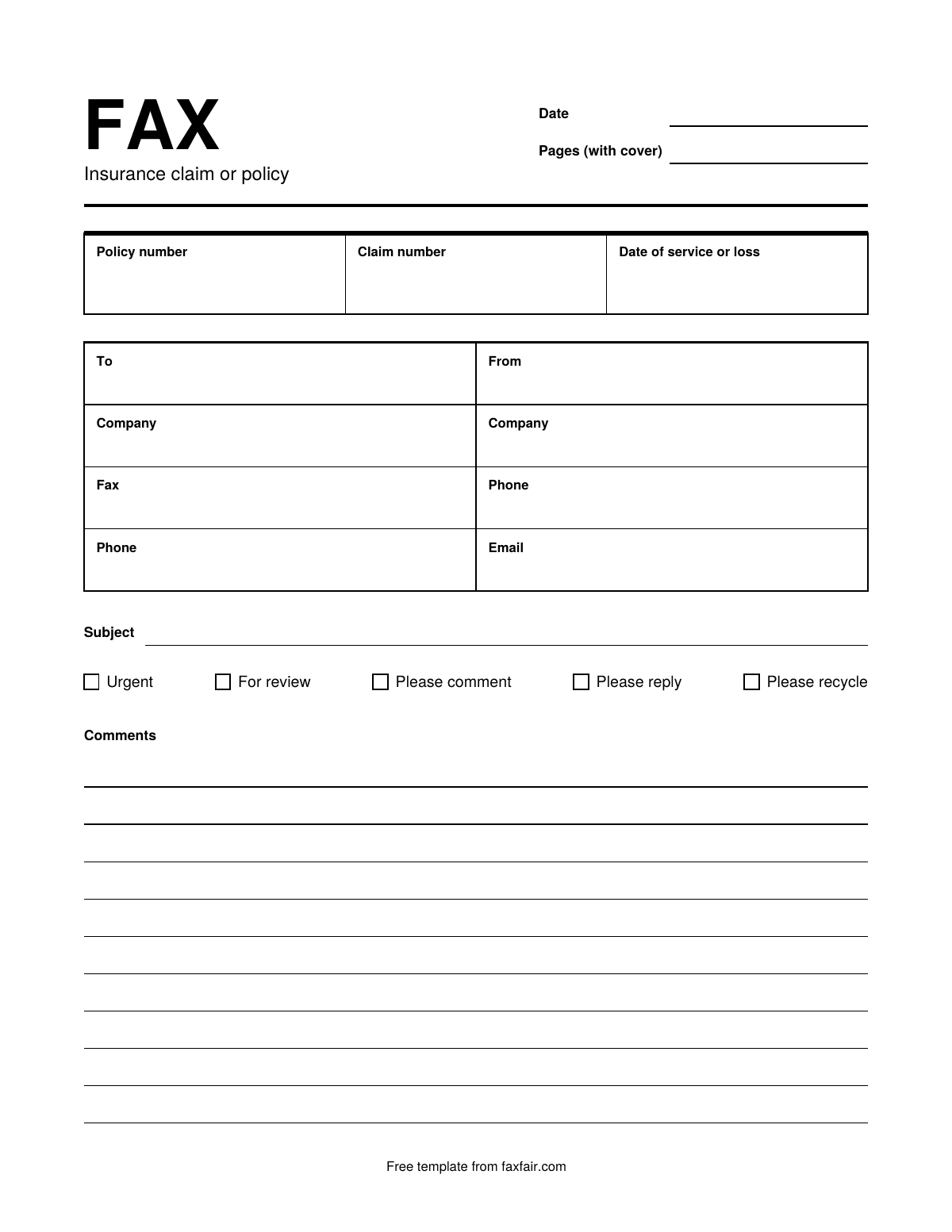
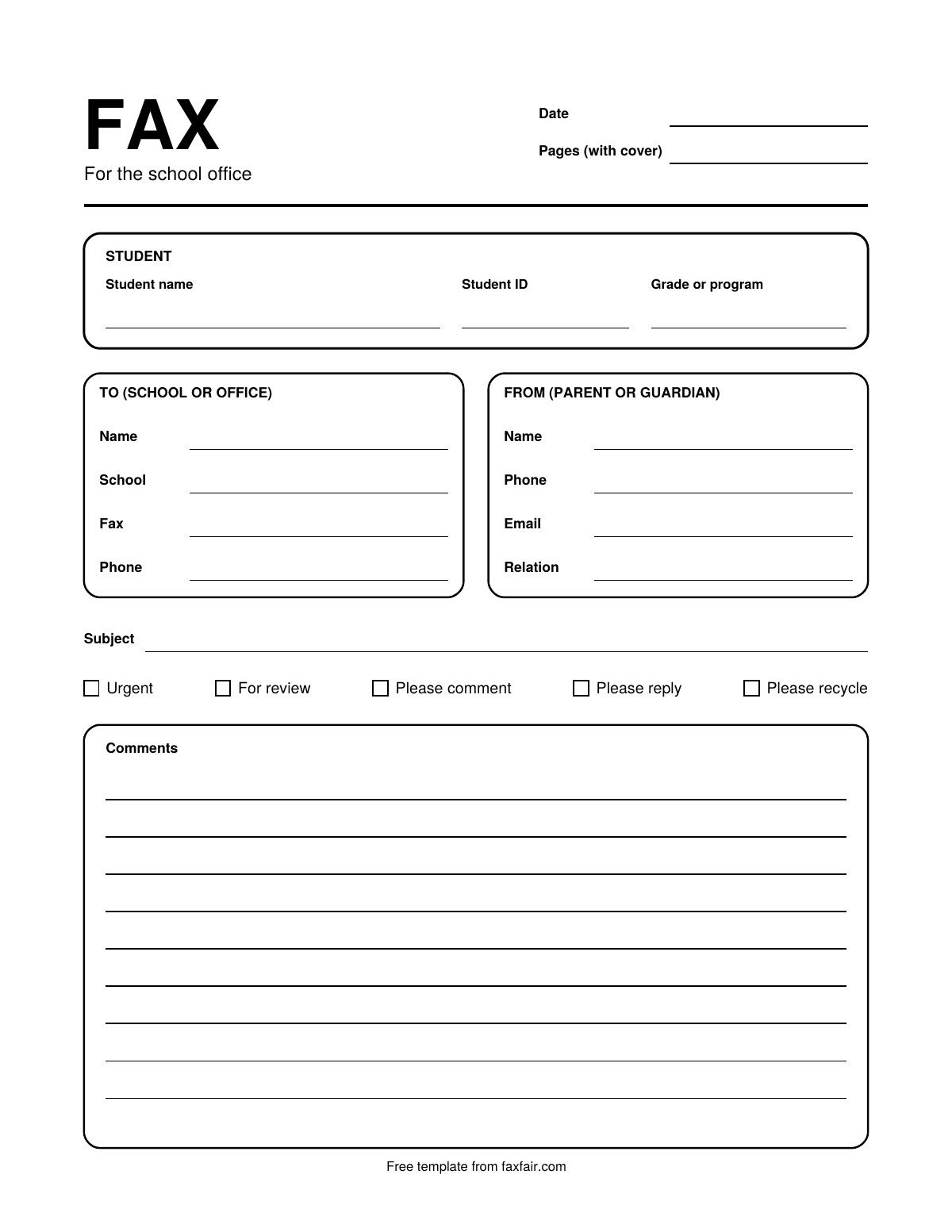
- Pick a design above, select Word, and open the file.
- Select Enable Editing in the yellow bar at the top, so Word lets you type.
- Click into a box and type. Each field is a table cell or a line, and Tab moves you to the next one.
- Save a copy with your details as your own template, so next time you only change the date and the page count.
- Print it to fax from a machine, or save it as a PDF to send from a fax app or website.
Word for the web has fax cover templates too. To find them, Microsoft's help page says to go to File, New, then browse the templates and search for "Fax Covers". Ours add designs for medical, legal, tax and other faxes, and each has a matching PDF.
Use it in Google Docs
Upload the .docx file to Google Drive, then double-click it there to open it in Google Docs. Google says some parts of Word files change when they open in Docs, such as charts and videos becoming images. Our templates have neither, but look over the layout before you print, because fonts and spacing may shift a little.
Use it in Pages on a Mac
Pages can open and edit Word files. Drag the .docx onto the Pages icon in the Dock or the Applications folder. If you double-click it instead, it opens in Word if Word is installed.
Other ways to fill one in
Type your details into the online maker, pick a design and download a finished PDF. Or print a blank cover sheet and fill it in by hand.
Questions
Why can't I type in the Word file?
Word opens files from the internet in Protected View, which is read-only. Select Enable Editing in the yellow bar at the top, and you can type.
Can I remove the faxfair.com line at the bottom?
Yes. It sits in the page footer. In Word, double-click the bottom of the page to open the footer, then select the line and delete it.
If you saved it as a PDF, FaxFair on your iPhone can send it. Pick the PDF in the app, or print it and scan it with your other pages, then type the fax number. The app also has free cover pages of its own. Your first fax is free, up to 40 pages, and after that you pay per fax, with no subscription. You can also upload the PDF with your other files at faxfair.com and fax it from there, for $2.49 up to 40 pages.
Get FaxFairiPhone is a trademark of Apple Inc., registered in the U.S. and other countries. App Store is a service mark of Apple Inc., registered in the U.S. and other countries. FaxFair is not affiliated with Apple. Other names are trademarks of their owners. FaxFair is not affiliated with them.